

 中文
Alta Ficha mobile guide: casino features and navigation
Navigation decides how easily a player can find information, and a poorly organized menu can hide important rules. This guide explains how to review the casino features and navigation described for Alta Ficha on mobile, from Argentina. Start by opening Alta Ficha mobile login and looking at the main menu. Note the categories shown, such as games, promotions or help. Check whether each category leads to a clearly labelled page. Look for a search function or filters that help you find specific titles quickly. A menu that is easy to follow reduces accidental clicks and wasted time.
Once you understand the menu, compare its structure with the desktop version and the help pages. Confirm that the same categories appear, with the same names and descriptions. If a category exists on desktop but disappears on mobile, record the difference. Keep dated screenshots of the main menu, the submenus and the footer. Ask support in writing how to reach the full terms from the mobile screen. Look for a visible link to responsible gaming tools in the same place on every device. A consistent structure makes errors easier to spot.
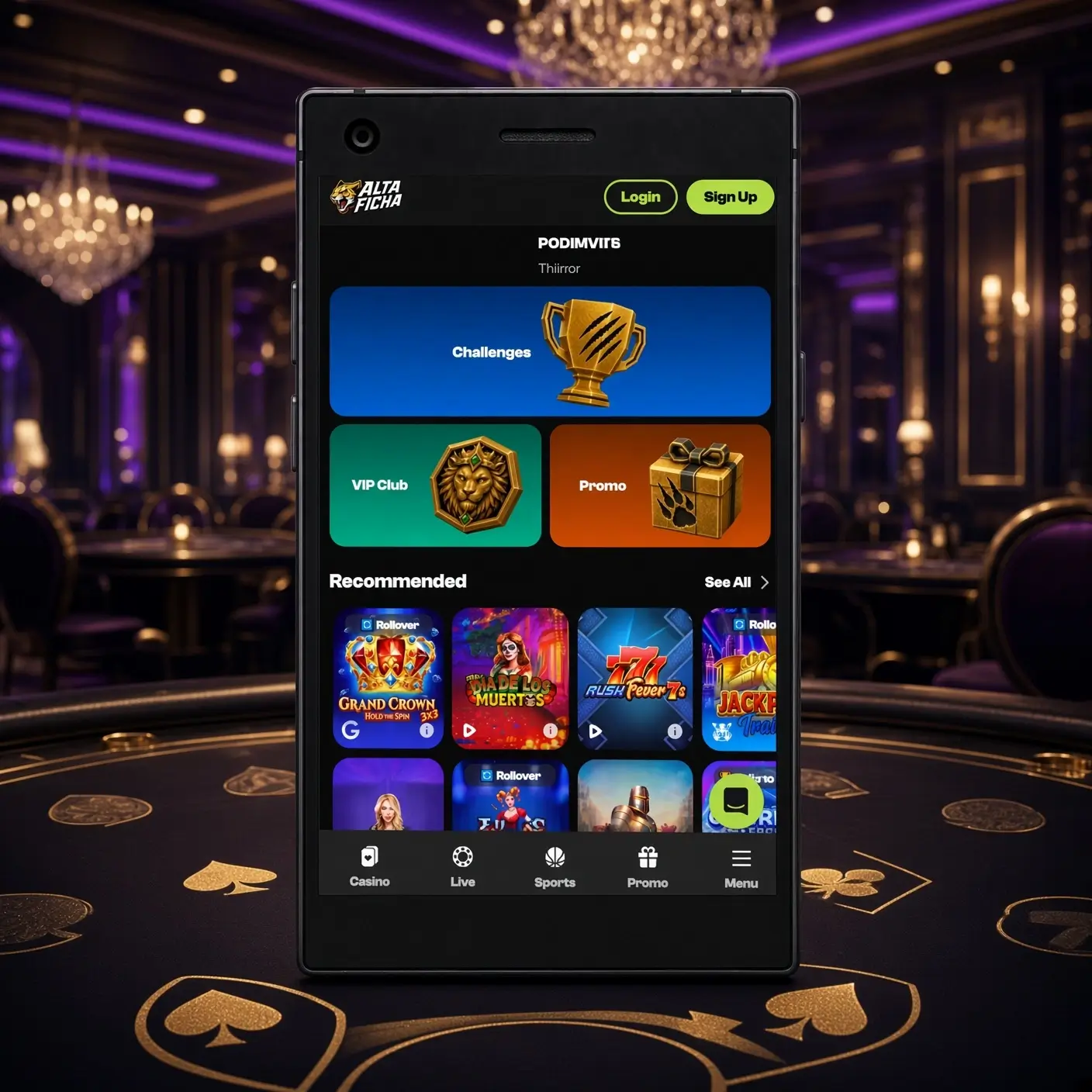
Games are often grouped by type, provider or theme, and each grouping can change how options look. Read the description of any group before you open it. Avoid tapping on banners that promise fast results or special access to anything. Use filters to narrow the list instead of scrolling endlessly. Set a clear time limit before you begin browsing at all. Browsing without a plan can lead to decisions made out of boredom. A plan keeps browsing purposeful and short.
- Compare menu categories with the desktop version.
- Read the description of each game group before opening it.
- Use filters instead of scrolling endlessly.
- Set a time limit before you start browsing.
Money appears in every corner of the casino interface, which is why the cashier should always be easy to reach. The reference material cites a minimum deposit of 3000 ARS. The payout band runs from 10000 to 1000000 ARS. Mercado Pago, Lemon and cryptocurrencies are among the routes named. Open the cashier from the main menu, not from a banner. Check each figure there before you make any transfer. Write the figures down before you move any money.
Navigation can also reveal where license information is kept. The material names Anjouan as the issuer of the license, which lies outside Argentina. That license does not automatically satisfy the rules of your province. Read carefully the Argentine regulations on online casino services. Find the license number in the footer or the terms, then compare it with what the menu shows. If the menu hides the license, ask in writing before you continue. A menu that hides key details deserves a second look.
- Locate the license number in the footer or the terms.
- Read the online casino rules that apply in your province.
- Compare the menu information with the terms of use.
- Ask in writing if the license cannot be found.
A well-designed menu helps you stop as easily as you start. Look for the logout button and the session timer. Close the app when you finish a task rather than leaving it open in the background all day. Avoid browsing late at night, when judgment is usually weaker. If the navigation keeps pulling you into new sections, pause and step away. Your attention is worth protecting. Protecting your attention protects your time and your money.
In conclusion, the casino features and navigation of Alta Ficha on mobile deserve a clear, structured review before regular use from Argentina. Compare categories, rules, figures and license, and keep notes of each difference. Verify amounts inside the cashier before any transaction. Menus change over time, so check them again after updates. If a section is confusing, avoid it until it is clearly explained in writing. Let clear navigation and calm judgment lead each visit, not impulse.