

 中文
BC App PH: A Guide to the Mobile Gaming Platform
Players in the Philippines who are interested in mobile poker often look for an app that is simple to install and easy to use. This guide explains what to check before installing the BC App PH, using the official BC Poker site, poker-bc.com, as the main reference. The page at bc-appph.com is included for context on the app, but its details should be compared with the official information. Verifying the source of any download is the first step to a safe start. Careful checks protect your device and account.
The official site lists No Limit Texas Hold'em, Pot Limit Omaha and 6 Short Deck for cash games, along with multi-table tournaments, satellite qualifiers and Sit & Go events. Daily freeroll tournaments are mentioned for players who want to practise without paying. Additional app information is available at https://bc-appindia.com/invitation-code/, which should be read alongside the official site. Start with free play to learn the interface before depositing. Taking time to explore pays off.
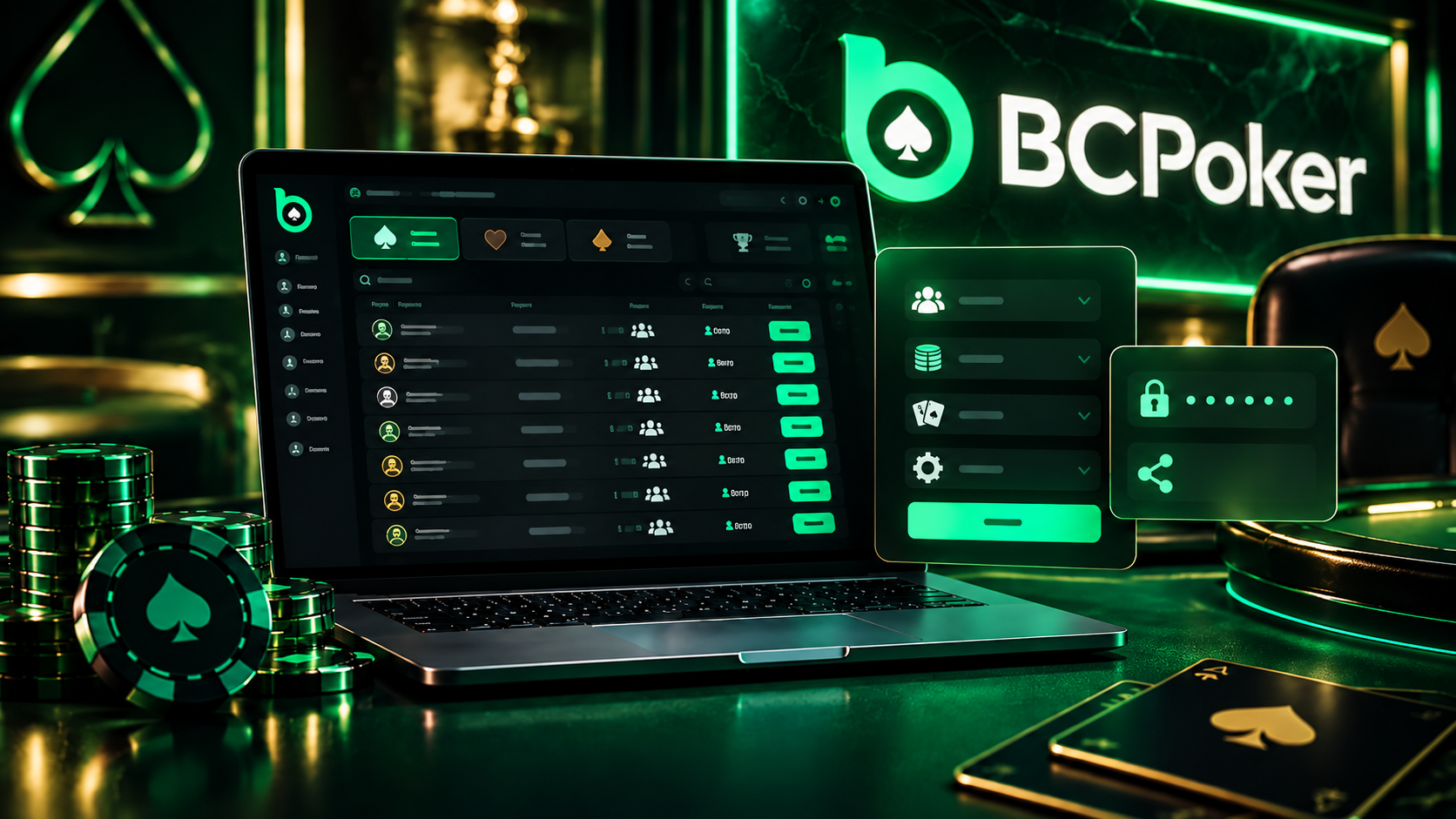
- Download only from the official page or a verified listing.
- Review app permissions and grant only those you understand.
- Keep your device software updated for smoother performance.
App availability can depend on your device and region, and the official site describes mobile browser access as an alternative. Check the store listing and the address before installing. Be careful with any file that does not match the official source, because it may not be safe. If something seems unusual, stop and verify it again. Your device security is as important as your game.
Registration in the app follows the same path described on the website. The official site describes sign-up by email with a username and password, along with crypto wallet connection where that option is available. An 18 notice applies, and identity checks may be required under the KYC policy. A promo code field appears during sign-up for players who have one. Read the terms and privacy information before depositing.
- Create a strong password and store it securely.
- Keep your registration information accurate to avoid delays.
Responsible gaming is an important part of mobile play. The official site includes an 18 notice and lists GamCare and BetBlocker among its partners. Setting deposit limits, scheduling breaks and avoiding long sessions are practical habits. Notifications can make it easy to return to the table, so manage them carefully. A steady approach keeps the game enjoyable.
Mobile poker is most enjoyable when your device and your habits are both in good shape. Check that your phone has enough storage and battery, keep its software updated and use a reliable connection for tournaments. Practise in free play to become comfortable with the controls before depositing. Setting time limits and taking regular breaks will help you stay focused. Preparation makes mobile sessions calmer.
Responsible habits are the foundation of any long-term poker routine. Decide in advance how much you will spend, avoid playing to recover losses and stop when your plan says to stop. Notifications can encourage you to return to the table, so adjust them to suit your schedule. Good habits keep the experience enjoyable.
Keeping the device clean and organised can improve mobile performance. Close unused apps, clear unnecessary files and check that storage is not nearly full. A smooth device makes it easier to react quickly during play. Simple maintenance supports a better experience.
Checking your balance and activity at the end of each day is a good habit. Reviewing these details helps you notice unexpected changes and keeps your spending visible. Regular checks support responsible play.
Mobile play can be more relaxed when you set up your environment properly. Choose a comfortable position, make sure the screen is clean and adjust brightness so that the cards are easy to read. A stable grip and a clear view of the table reduce the chance of accidental taps. These simple adjustments can make each decision feel more deliberate.
Reviewing your mobile habits from time to time can highlight areas for improvement. Notice whether you play longer than planned, check your notifications too often or make hasty decisions late at night. Small changes, such as moving the app off your home screen or setting a daily time limit, can make a meaningful difference. Adjusting your habits keeps mobile play enjoyable.
In summary, the BC App PH should be downloaded only from verified official pages, with permissions checked and terms read before registration. Confirm availability on your device and in your region, as the site does not list every supported or restricted country. Set limits before you deposit and keep your play within them. Careful preparation helps you start on solid ground. Play responsibly.